

How to Choose the Right Interactive Whiteboard Size for a Classroom
Aug 19, 2026
Leave a message

Introduction
Interactive whiteboards are increasingly used in modern classrooms to support digital presentations, multimedia lessons, annotation, collaborative activities, and interactive learning. Compared with traditional writing boards, they give teachers a larger digital workspace for displaying and working with different types of teaching content. As these displays become a regular part of classroom teaching, screen size becomes an important consideration for creating a clear and effective learning environment.

Why Interactive Whiteboard Size Matters in a Classroom
The size of an interactive whiteboard directly affects how clearly students can view and interact with teaching content from different positions in the classroom. A screen that is too small may make text, charts, images, or videos difficult to see for students seated farther away, particularly when detailed content is displayed. On the other hand, an unnecessarily large screen may occupy excessive wall space and be less practical in a smaller classroom. The right size should provide sufficient viewing area for the entire class while fitting naturally into the available space, helping teachers present content clearly and giving students a comfortable viewing and interactive experience.
Key Factors to Consider When Choosing an Interactive Whiteboard Size
Choosing the right size requires looking at how the display will be viewed, used, and positioned within the classroom.
- Classroom Size and Seating Capacity
- Viewing Distance and Screen Visibility
- Teaching Content and Classroom Activities
- Viewing Angle and Classroom Layout
- Display Resolution and Content Detail
-
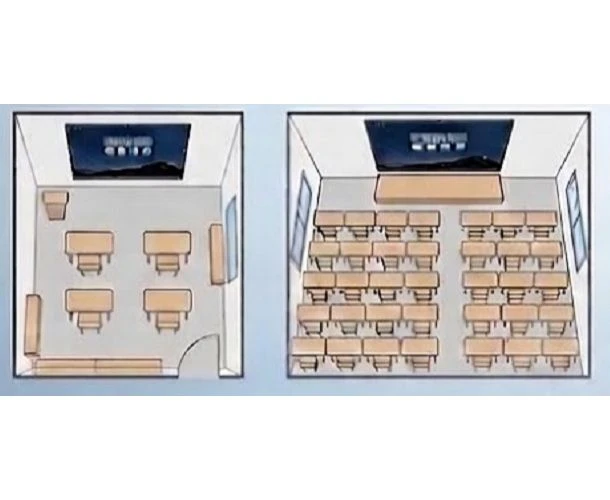 Classroom Size and Seating Capacity
The classroom's dimensions and student capacity provide the starting point for determining the appropriate interactive whiteboard size. Smaller classrooms with fewer students may work well with a compact display, while larger classrooms and multiple rows of seating generally require a larger screen to ensure content remains visible across the room.
-
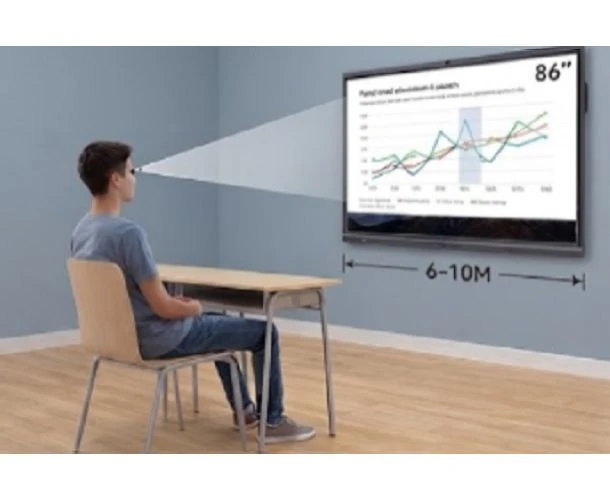 Viewing Distance and Screen Visibility
The distance between students and the interactive whiteboard is one of the most important factors in size selection. When the back row is positioned farther from the screen, a larger display can make text, diagrams, images, and videos easier to view. The screen should therefore be large enough to provide clear visibility without overwhelming the classroom space.
-
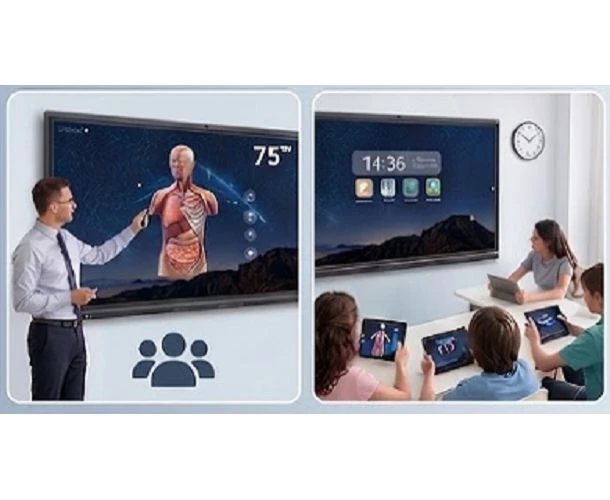 Teaching Content and Classroom Activities
The type of content and teaching activities can also influence the required screen size. Text-based lessons and standard presentations may not require an oversized display, while detailed diagrams, digital textbooks, videos, and interactive applications can benefit from a larger viewing area. Classrooms that frequently conduct group activities may also need additional screen space for shared interaction.
-
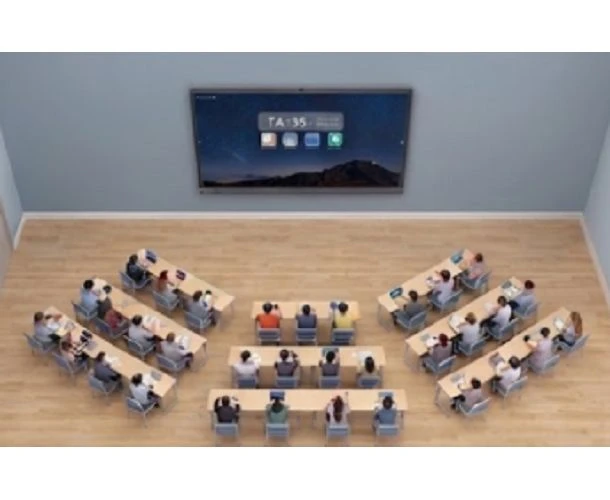 Viewing Angle and Classroom Layout
Student seating arrangements and the position of the interactive whiteboard can affect how the screen is viewed from different areas of the room. In classrooms with wide seating arrangements or multiple rows, the selected size should provide sufficient visibility across the available viewing area. Wall space, screen position, and the distance between the display and seating should therefore be considered together.
-
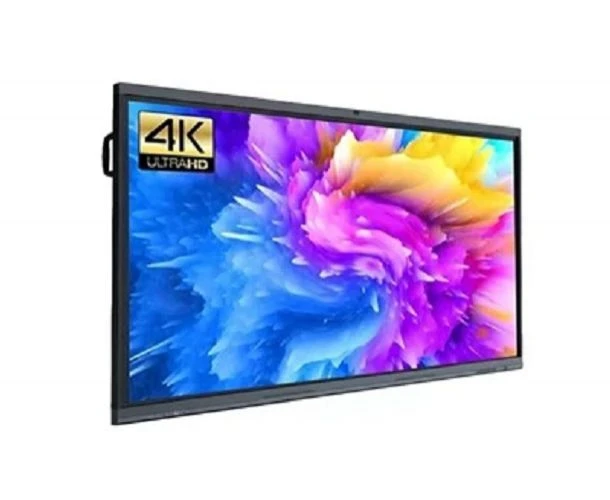 Display Resolution and Content Detail
Screen size should also be considered alongside display resolution. Larger interactive whiteboards are often used to display detailed teaching materials, making 4K resolution valuable for maintaining clear text, images, charts, and videos. A high-quality display can help ensure that increasing screen size also translates into a better viewing experience rather than simply a larger image.
Choosing the Right Interactive Whiteboard Size for Your Classroom Project
Different classroom environments call for different interactive whiteboard
sizes to provide clear visibility and an effective teaching experience.
|
Classroom Type |
Recommended Size |
Typical Application |
|
Small Classroom |
65" / 75" |
tutoring rooms, language classrooms, small teaching spaces |
|
Standard Classroom |
75" / 86" |
K-12 classrooms, regular classrooms, multimedia teaching |
|
Large Classroom |
86" / 98" |
university classrooms, large teaching spaces, training rooms |
|
Lecture / Presentation Room |
98" / 100" |
lecture halls, large training rooms, presentation spaces |
Conclusion
Choosing the right interactive whiteboard size is essential for creating a clear and effective classroom learning environment. The decision should take into account classroom size, seating capacity, viewing distance, teaching content, classroom layout, and display requirements rather than relying on screen size alone. Smaller classrooms may benefit from compact displays such as 65" or 75", while standard and larger classrooms may require 75", 86", 98", or even 110" models to ensure comfortable visibility across the room. By matching the screen size to the actual classroom conditions and teaching needs, schools and education providers can achieve a better balance between visibility, usability, and available space.
Why Choose HDFocus as Your Interactive Whiteboard Manufacturer?
HDFocus provides interactive whiteboard solutions designed to meet the needs of schools, educational institutions, distributors, and education project buyers. Its product range covers 55" to 110" and additional customized screen sizes, allowing partners to select or develop displays for different classroom layouts and project requirements. Features such as 4K resolution, 20-point touch, anti-glare glass, multi-device mirroring, and multi-person split-screen collaboration support modern interactive teaching, while flexible OEM/ODM and customization services make it easier to develop solutions tailored to specific markets and applications. Contact us to discuss your interactive whiteboard requirements and explore a solution for your education project.