


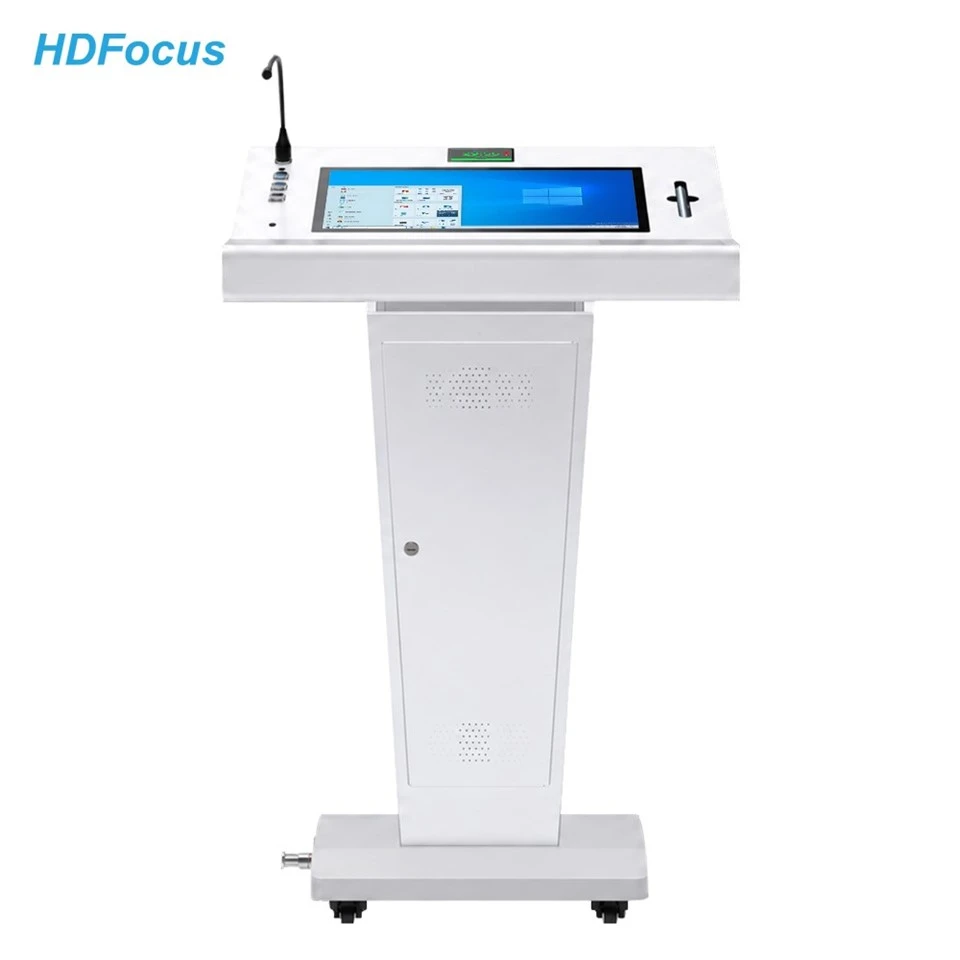

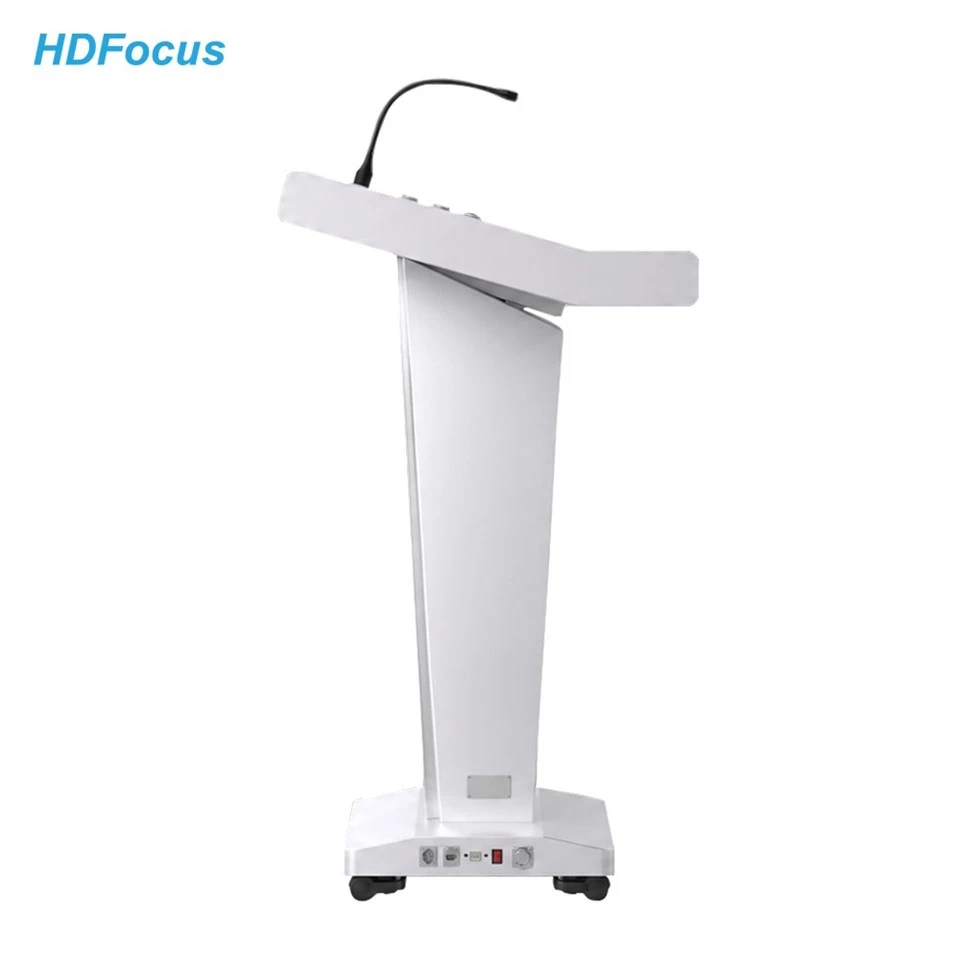
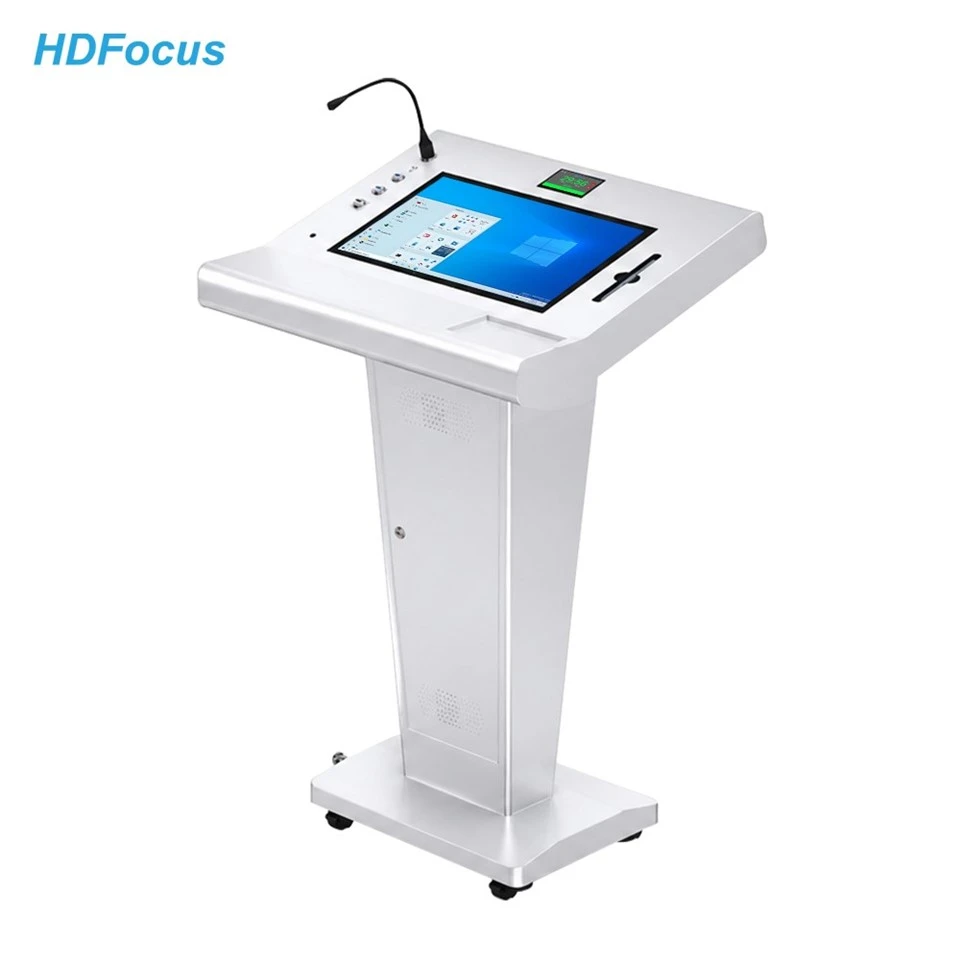
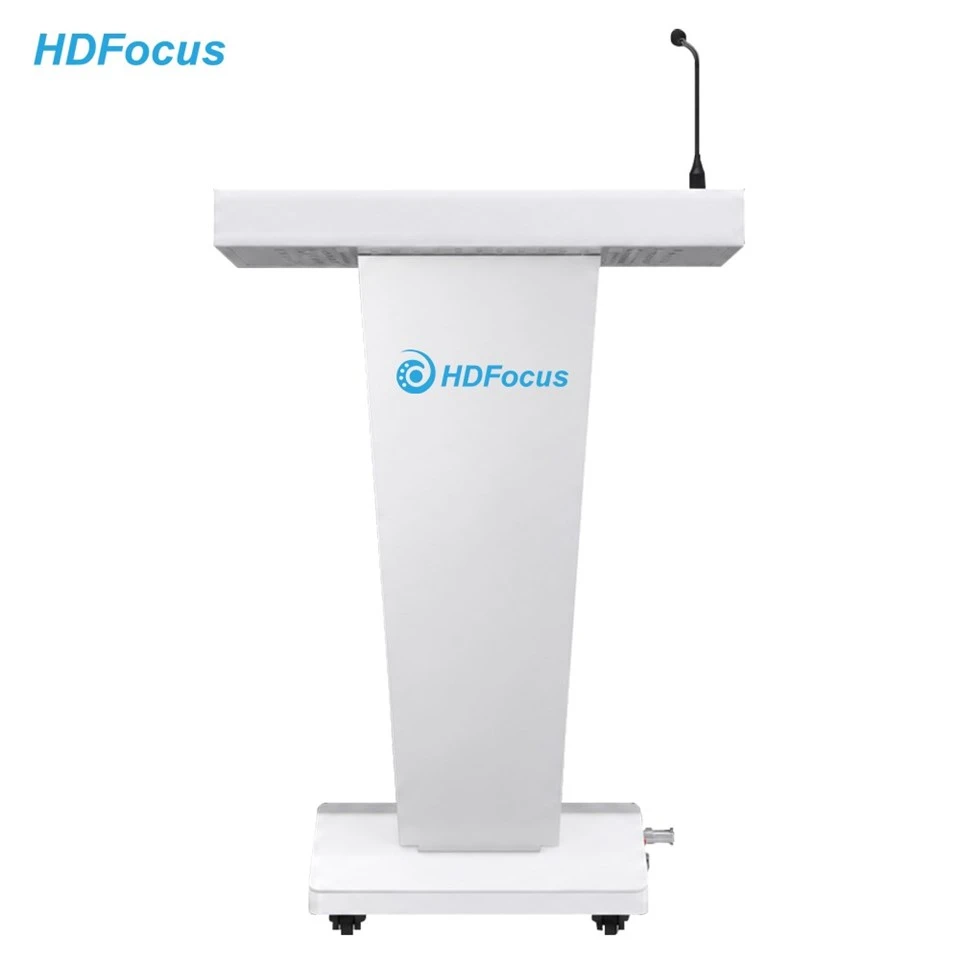
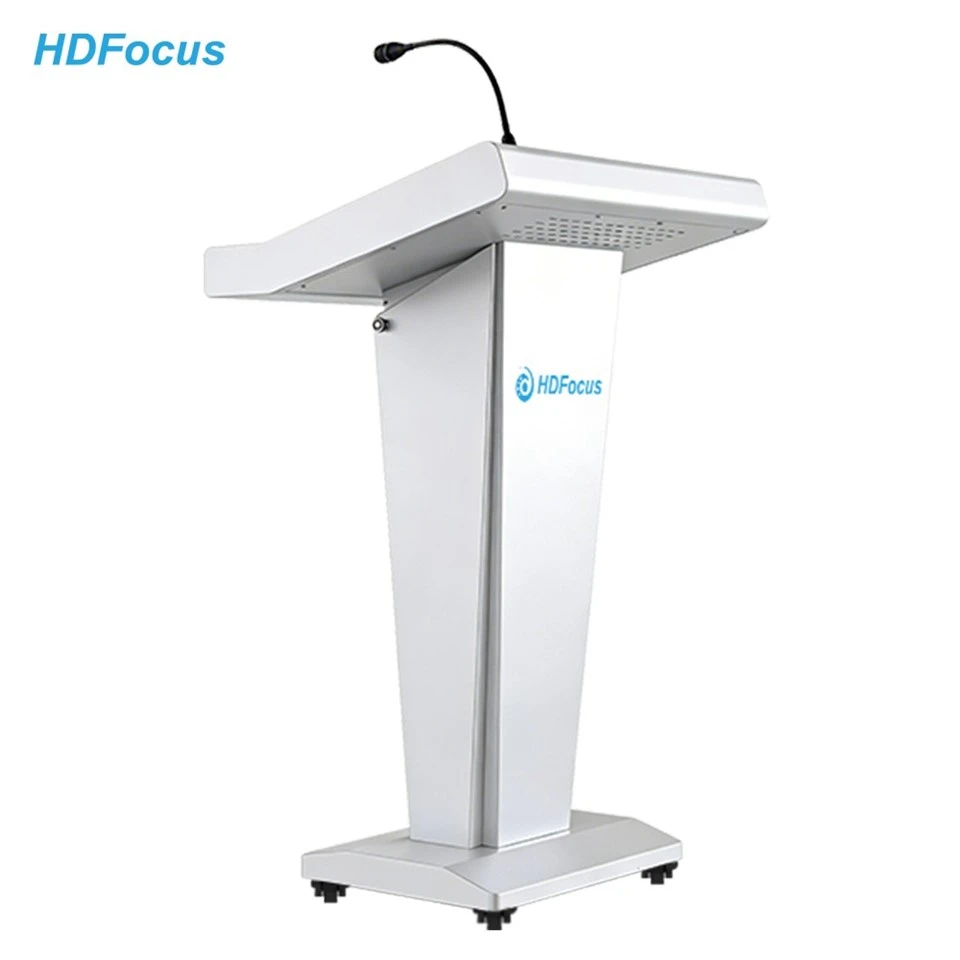
Built-in Microphone Podium
Description
Technical Parameters
Built-in Microphone Podium for Clear Presenter Audio Workflows
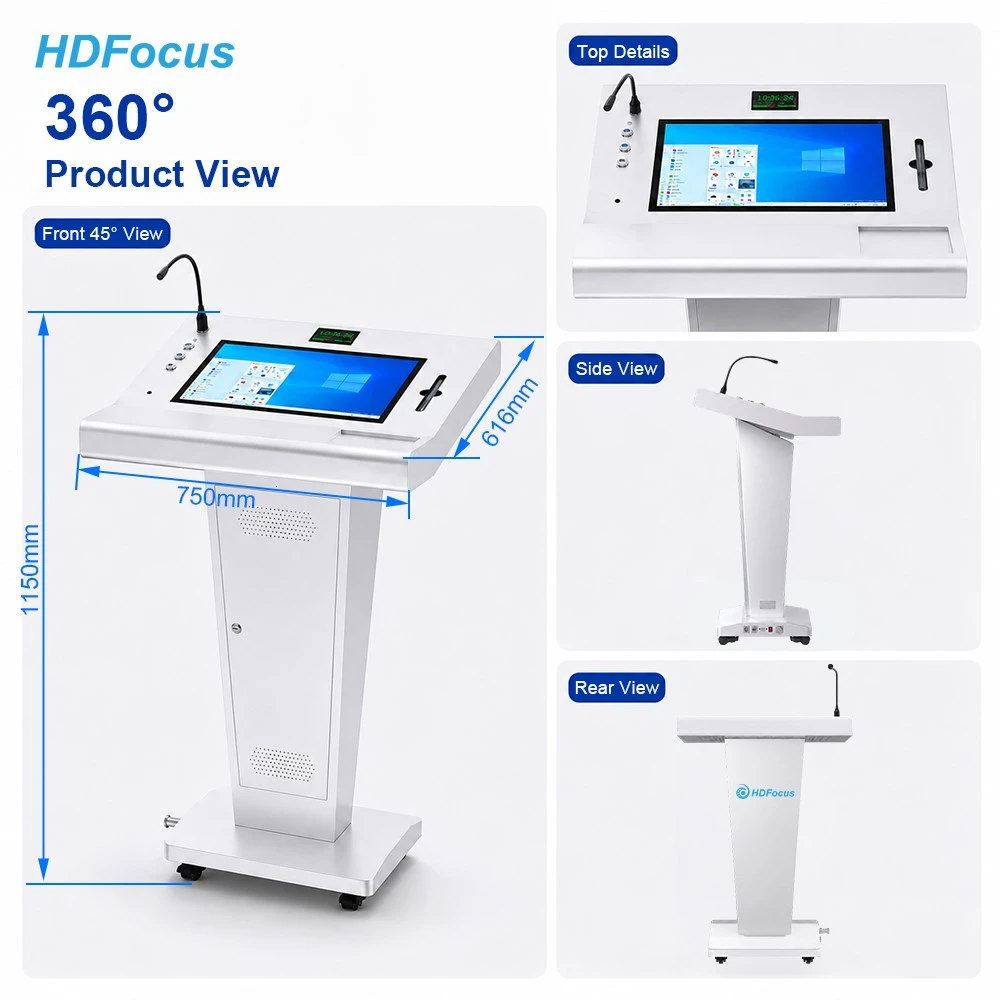
A presenter should not need to search for a separate microphone stand or guess how to join the room audio setup before every session. The HDFocus DP22 Built-in Microphone Podium places a 48 V condenser gooseneck microphone at the lectern, with local volume control for the confirmed presentation setup.
For classrooms, training rooms and other shared presentation spaces, the podium can serve as a defined presenter-audio point. Its microphone audio output can be reviewed as part of a compatible external PA workflow, while the project team confirms the room audio design, connection method, operating responsibility and pre-session sound check.
The DP22 is not presented as a standalone amplified sound lectern. Confirm the final PA connection and venue audio requirements before order approval or installation.
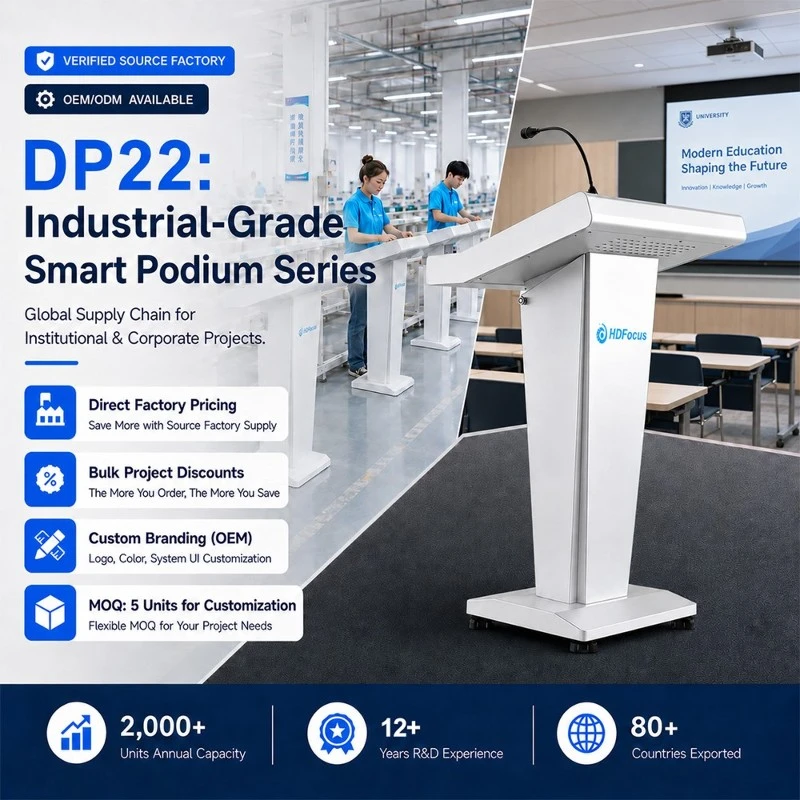
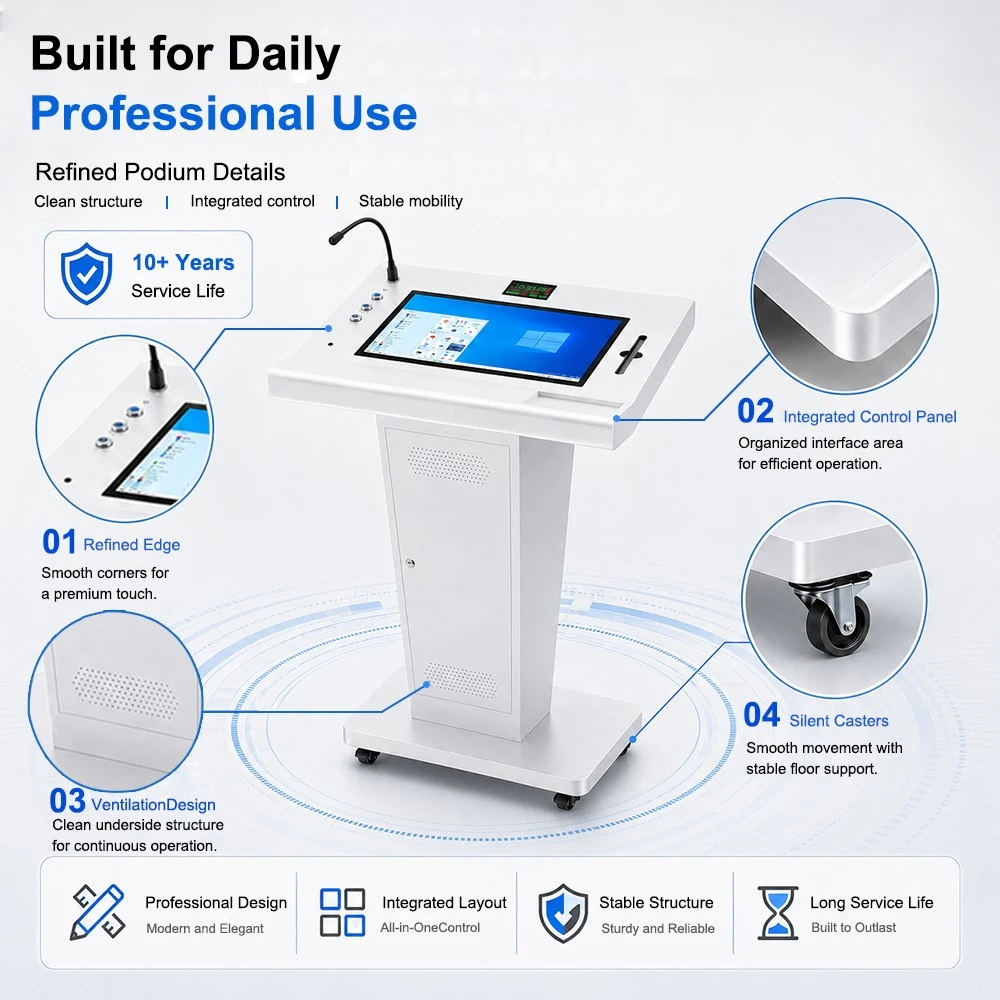
A Built-in Microphone Podium Creates a Defined Voice Position
In shared classrooms and training rooms, sound problems often begin before a speaker starts: the microphone is not positioned at the lectern, the user does not know who controls the room audio, or the connection to the installed PA system has not been checked. A built-in microphone podium gives the presenter one defined voice position instead of relying on a separate stand or an improvised setup.
The DP22 integrates a 48 V condenser gooseneck microphone at the speaking position with local volume control. This helps project teams standardize the presenter-side part of the audio routine. The complete room-audio outcome still depends on the confirmed PA design, connection method, room acoustics and operating procedure.
Separate the Podium Microphone from the Room Sound System
| Audio role | DP22 podium side | Room / project side |
|---|---|---|
| Presenter voice pickup | Integrated 48 V condenser gooseneck microphone at the lectern | Confirm speaker position and normal presenter technique for the venue |
| Local adjustment | Local microphone volume control at the podium | Confirm who sets, monitors or locks room-level audio settings |
| Output handover | Microphone audio output / documented line-level output path | Confirm PA input, cable type, connection point and commissioning responsibility |
| Room reinforcement | Provides the presenter-side audio point | Depends on installed PA, room speakers, amplification, acoustics and venue design |
| Support boundary | Daily presenter microphone check | Fault finding, tuning and changes to room audio are handled by the designated AV/IT support team |
The microphone at the podium and the sound heard in the room are related but not identical. The DP22 defines the presenter-side microphone position and output handover. The installed PA system, room speakers, amplification and acoustic conditions determine how sound is distributed in the venue.
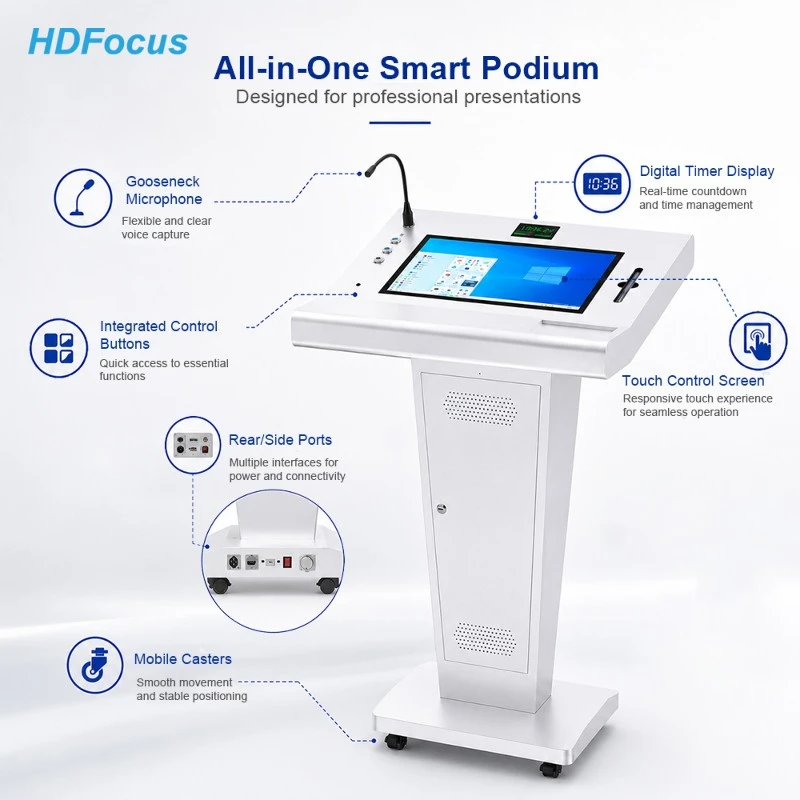
A Four-Step Presenter Audio Check Before a Session
1. Position the gooseneck microphone for the presenter
Before the session, adjust the microphone position for the intended speaker at the lectern. Keep the setup consistent with the room's normal operating guidance and avoid treating the podium microphone as a substitute for a separate audience-participation microphone.
2. Confirm the room audio route
Confirm whether the project uses the podium microphone output with a compatible external PA connection. Identify the approved connection point and the person responsible for the room audio system before the session begins.
3. Perform the agreed local volume check
Use the local microphone volume control according to the established room procedure. A brief sound check should follow the venue's operating practice; it should not include unapproved changes to amplifiers, processors or other installed AV equipment.
4. Escalate room-level audio issues correctly
If the presenter microphone is connected but the room audio is not working as expected, follow the designated support path. The project handover should specify which issues are handled by the podium user and which require AV, IT or facilities support.
Use Cases Defined by Presenter Audio Responsibility
-
Daily teaching rooms
Use the DP22 as a consistent teacher voice position when the classroom has a defined audio process. Establish a simple pre-class check and a clear support contact for audio issues outside normal teacher operation.
-
Trainer-led sessions
For rotating trainers, use the gooseneck microphone position and local-volume routine as part of a repeatable room handover. Confirm who checks the external PA connection before the first session of the day.
-
Formal internal briefings
For structured briefings, define microphone positioning, the timing of the sound check and the responsibility for the venue audio system. The podium gives the speaker a fixed microphone point while the room team manages the approved audio infrastructure.
-
Multi-room education projects
For similar rooms, use the same microphone label, audio-start checklist and escalation process in each location. This reduces reliance on informal knowledge when instructors move between rooms.
Specification
Display
|
Display Screen |
BOE brand 21.5" TFT-LCD |
|
Panel Backlight |
LED Backlight |
|
Display Ratio |
16:9 |
|
Color |
16.7M colors |
|
Display area |
477*268mm |
|
Resolution |
1920*1080 |
|
Brightness |
350cd/m2 |
|
Contrast |
≥ 1000:1 |
|
View Angle |
89° left and right, up and down |
|
Screen Response Time |
14ms |
|
Life time |
Over 50000hrs |
Touch
|
Touch Type |
Capacitive Touch |
|
Points |
10 points |
|
Touch Recognition |
> 1.5mm(Finger, touch pen opaque objects) |
|
Scanning Accuracy |
4096*4096 |
|
Scanning Rate |
200Hz |
|
Response Time |
Less than 5ms |
|
Communication |
USB2.0 |
|
Life Time |
Over 80,000,000 touches |
Windows motherboard performance
|
Configuration options |
Pro version: Intel I3 CPU, 4th Generation, DDR 3 4G RAM, 128G SSD(can expand). |
|
Max version: Intel I5 CPU, 4th Generation, DDR 3 4G RAM, 128G SSD(can expand). |
|
|
Maxplus version: Intel I7 CPU, 4th Generation, DDR 3 4G RAM, 128G SSD(can expand). |
|
|
Graphics card |
Intel® HD Graphics card integrated |
|
WIFI |
Support WIFI dual band 2.4G/5.2G |
|
Windows OS |
Windows7, 8.1, 10,11 trial version; |
Windows motherboard I/O Interface
|
USB |
USB 2.0*2,USB3.0*2 |
|
HDMI Output |
HDMI*2 |
|
VGA Output |
VGA*1 |
|
MIC Audio Input |
MIC Audio*1 |
|
Line Audio Output |
Line*1 |
|
Network |
RJ45*1, built-in Gigabit Ethernet |
|
WIFI |
WIFI*1, support 802.11 b/g/n |
Input/output Interface
|
Top Interface |
USB*2 |
|
HDMI Input*1 |
|
|
HDMI Signal Switch*1 |
|
|
Side Interface |
HDMI Output*1 |
|
Microphone Audio Output*1 |
|
|
AC Power Switch*1 |
Others
|
Format |
PAL, NTSC |
|
Speaker |
5W*2 |
|
Floorstand Basement |
Basement*1 |
|
Voltage |
DC12V/AC100-240V 50/60Hz |
|
Power |
≤ 80W |
|
Product Net Dimension |
1417*450*300mm |
|
Gross Weight |
25KG |


Project Support for Presenter Audio Workflows
HDFocus supports distributors, education suppliers, AV integrators and institutional buyers who need to plan a DP22 built-in microphone podium around a defined presenter-audio workflow. Share the number of rooms, intended room type, existing PA details, microphone-output requirement, expected presenter rotation, desired operating procedure and project schedule.
For projects that require a room-wide audio design or audio functions beyond the presenter-side workflow described here, provide the PA equipment list, room layout, required coverage, connected systems and installation drawings for separate review. Final scope and compatibility must be confirmed before production or installation.
FAQ
Q: What is a built-in microphone podium?
A: A built-in microphone podium provides a microphone at the presenter position so users can follow a defined voice and room-audio procedure. It does not automatically mean that the podium includes a complete amplified sound system.
Q: What microphone is integrated into the DP22?
A: Current DP22 product information identifies a 48 V condenser gooseneck microphone with local volume control. Confirm final microphone configuration and any optional microphone requirement before ordering.
Q: Can the DP22 connect to an external PA system?
A: Current product information identifies microphone audio output and describes a line-level audio output for connection to a compatible external PA system. Confirm the PA input, cable path, connection point and commissioning procedure for the project.
Q: Does the DP22 include a complete built-in sound system?
A: Do not assume so. The DP22 page identifies 5W × 2 speakers and presenter-microphone functions, but the final room audio outcome depends on the confirmed venue audio design, external PA connection and installed equipment. It is not presented here as a standalone amplified sound lectern.
Q: Can the podium microphone cover a large lecture hall?
A: Room coverage depends on the complete PA system, installed speakers, amplification, room acoustics and commissioning. Provide the room and audio requirements for engineering review; do not rely on the podium microphone alone as a coverage specification.
Q: Does the built-in microphone prevent feedback automatically?
A: No automatic feedback-control function is confirmed in current DP22 information. Feedback management depends on the complete audio design, microphone placement, room speakers, gain settings and AV commissioning.
Q: Can the DP22 use wireless microphones?
A: Do not assume this is included. Confirm any wireless microphone or receiver requirement as part of the final project audio design.
Q: How is this page different from the Touch Screen Digital Podium page?
A: The Touch Screen Digital Podium page focuses on direct lesson delivery, presenter touchscreen workflow and annotation planning. This Built-in Microphone Podium page focuses on the fixed presenter voice position, microphone preparation, local volume, PA handover and audio support boundary.
Q: How is this page different from the T-Shaped Digital Podium for Classrooms page?
A: The T-Shaped Digital Podium page is the main DP22 model page for fixed-height classroom deployment, project standardization and full specifications. This page focuses specifically on how the integrated microphone is prepared and handed over to the confirmed room-audio workflow.
Hot Tags: built-in microphone podium, China built-in microphone podium manufacturers, suppliers, factory
Previous
Mobile Digital Podium


Quote Now!
We respond to your inquiry within 24 hours. Please take heed of the emails from " amber@hd-focus.com " to ensure timely and effective communication.
As one of the leading display solution manufacturers, we have accumulated rich project experience in digital signage and interactive technologies.